
Newsletter
Join the Community
Subscribe to our newsletter for the latest news and updates
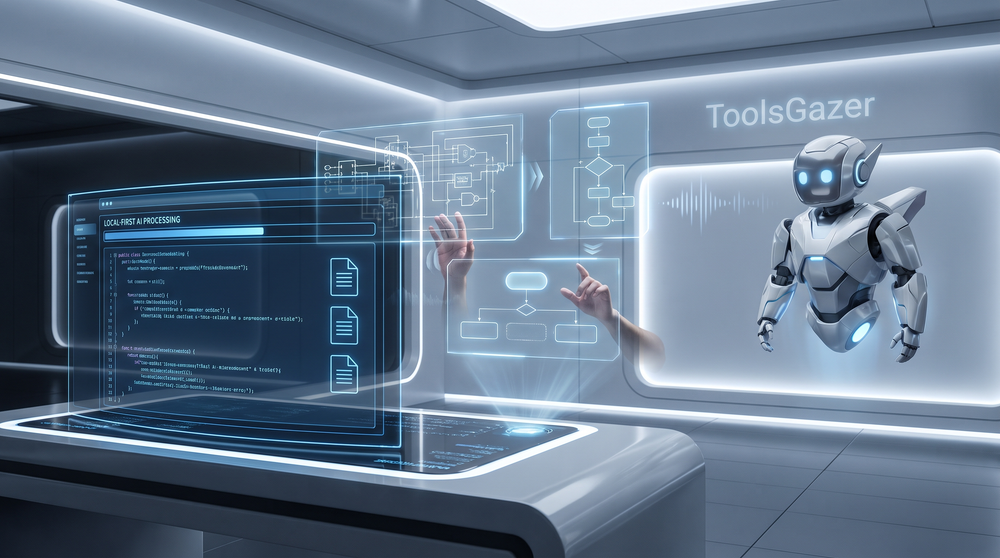
From voice-controlled system design to local-first document extraction, we review the top tools bridging the gap between human intent and autonomous execution.
2026/08/06
At ToolsGazer, we don't just list tools; we live in them. For this week's review, our engineering team stress-tested each platform against three core pillars: Sovereignty (data privacy), Interoperability (how well they talk to other agents), and Zero-Friction UX. We ran these tools through real-world scenarios—from building localized document pipelines to drafting system architectures via voice—to see if they actually deliver on their 'agentic' promises.
Visualizing complex architectures used to be a bottleneck. VoiceDraw changes the game by allowing you to talk through your system design while diagrams render in real-time. It’s not just dictation; it’s an intelligent spatial reasoning engine.
Prompt management is usually a mess of Notion pages and text files. Indigo lives within any app, providing a seamless overlay to trigger your curated prompt library without switching contexts.
In the era of privacy, sending sensitive PDFs to the cloud is a risk. ParseHawk provides a 100% local document AI platform that extracts structured data without the packets ever leaving your machine.
Git is great for humans, but it’s often too verbose for autonomous agents. Oak is a streamlined Git alternative specifically designed for AI agents to manage state and code history with minimal overhead.
Moving beyond simple chatbots, SoulLink introduces cinematic AI companions with deep narrative memory and a genuine sense of independence.
| Tool | Primary Use Case | Privacy Level | Agent Integration |
|---|---|---|---|
| VoiceDraw | Diagramming | Cloud-Hybrid | High (Voice/API) |
| Indigo | Prompting | Local-Synced | Ultra-High (Overlay) |
| ParseHawk | Document AI | 100% Local | API/CLI focused |
| Oak | Versioning | Local-First | Built for Agents |
| SoulLink | Companionship | Cloud | Narrative Memory |
Check out our full Agentic Developer Stack to see how these tools work together to automate your entire production pipeline.